
YouTube Video Downloader
for Mac
For creators pulling back their own uploads, for anyone archiving Creative Commons material, and for watching what you are entitled to watch when you are offline.
macOS (Apple Silicon & Intel, notarized by Apple) and Windows 10/11 64-bit · one-time payment, no subscription
What you get
Get your own uploads back
Sign in through the built-in browser panel and pull your own videos down at full quality when you no longer have the master file.
Creative Commons archiving
Keep a local copy of CC-licensed material you are allowed to reuse.
Subtitles come along
When a video carries subtitles, Downo can save them alongside the file.
Chapters, playlists, sections
Queue an entire playlist, or take just the minute you need instead of the whole hour.
How to download in 3 steps
No account, no upload, no browser extension.
Copy the video link
Open the post in your browser and copy its URL from the address bar or the app’s Share menu.
Paste it into Downo
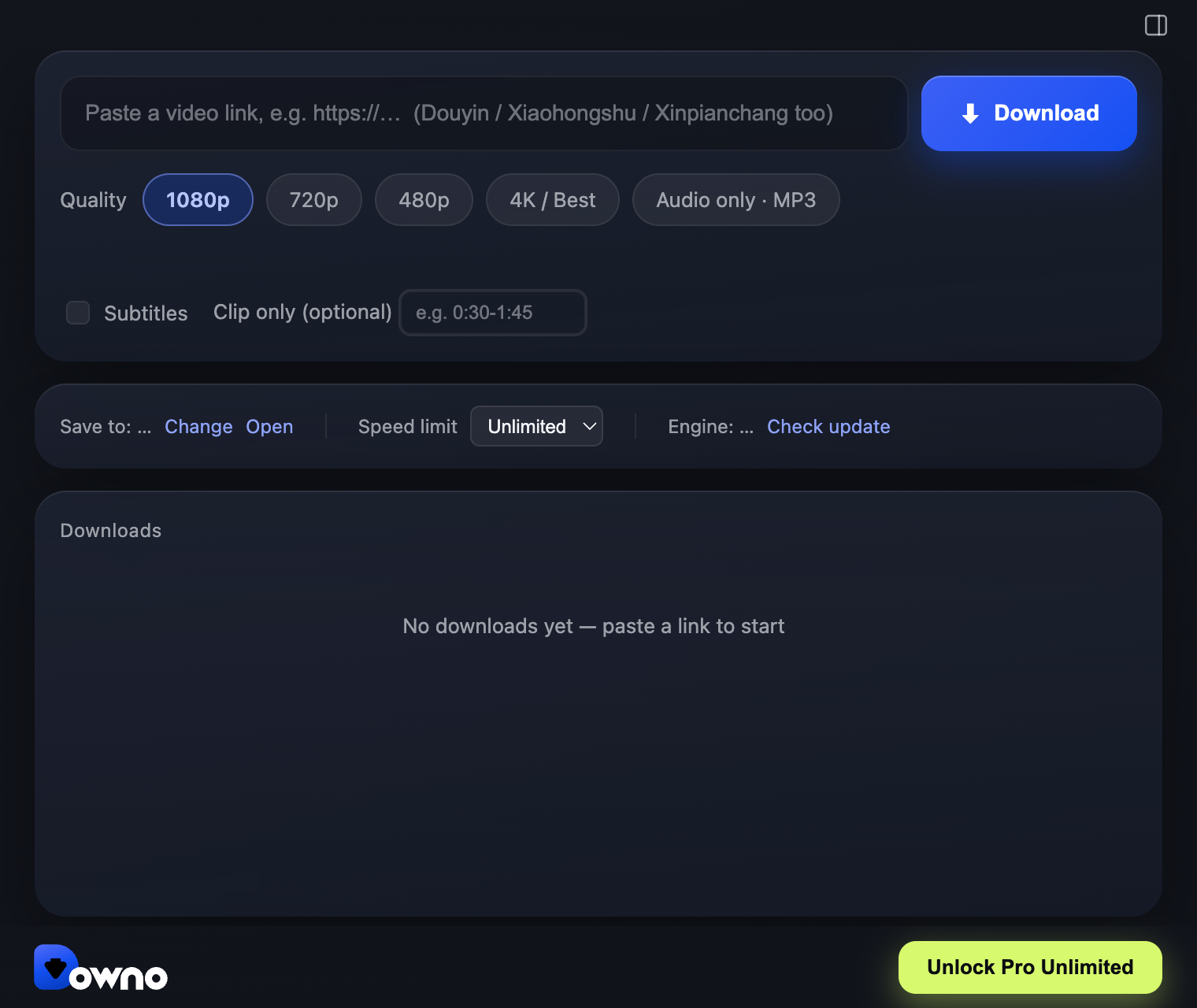
Downo reads the link and lists the available resolutions. Pick one, or queue up several links and let them run.
Save it
The file lands in your Downloads folder as an MP4 you can play, edit, or move to your phone right away.
Pro Unlimited — unlimited downloads, every resolution up to 4K, audio-only MP3, 2 computers.
Not a subscription. No renewals.
Prefer to try it first? The free version is the full app with a download allowance — download it here.
Frequently asked questions
Is it legal to download from YouTube?
It depends entirely on what you download. Your own uploads, Creative Commons material, and content the rights holder has allowed you to keep are fine. Downloading someone else’s copyrighted video to redistribute is not, and Downo is not built for that. YouTube also offers its own offline feature inside the YouTube app — if that covers your case, use it.
Can I download a whole playlist?
Yes — paste the playlist link and Downo queues the entries.
What resolutions can I get?
Up to 4K, subject to what the source video actually contains. Files are written as H.264 MP4. 8K and HDR sources are not supported — those are usually encoded in formats Downo deliberately avoids so that the output stays universally playable.
Is Downo free?
Yes — the free version is a real, working app, not a time-limited trial. It gives you 5 downloads at 480p, 2 at 720p and 1 at 1080p. Anything above 1080p (4K included) and audio-only MP3 are part of Pro Unlimited, a $49.90 one-time payment (no subscription, no renewals) that also lifts the download limits. One license covers 2 computers.
Does it support 4K?
Yes. 4K is available in Pro Unlimited. Downo saves in MP4 with H.264 video, so the file plays anywhere and imports straight into any editor without transcoding first.
Is Downo safe?
Downo runs entirely on your own computer — there is no upload step and no account to create. The macOS builds are signed with an Apple Developer ID and notarized by Apple, so they open with a normal double-click. The app makes only three outbound requests: license activation, a version check, and downloading its own engine updates.
Do I need an account or a login?
No. Paste a link and download. You only enter an email if you buy Pro Unlimited, so your license key can be recovered later.
What can I legally download?
Downo is a tool; what you do with it is on you. Save your own uploads, Creative Commons material, and anything you have permission to keep or need for offline viewing. Do not redistribute other people’s copyrighted work.