
Download videos from
Twitter and X
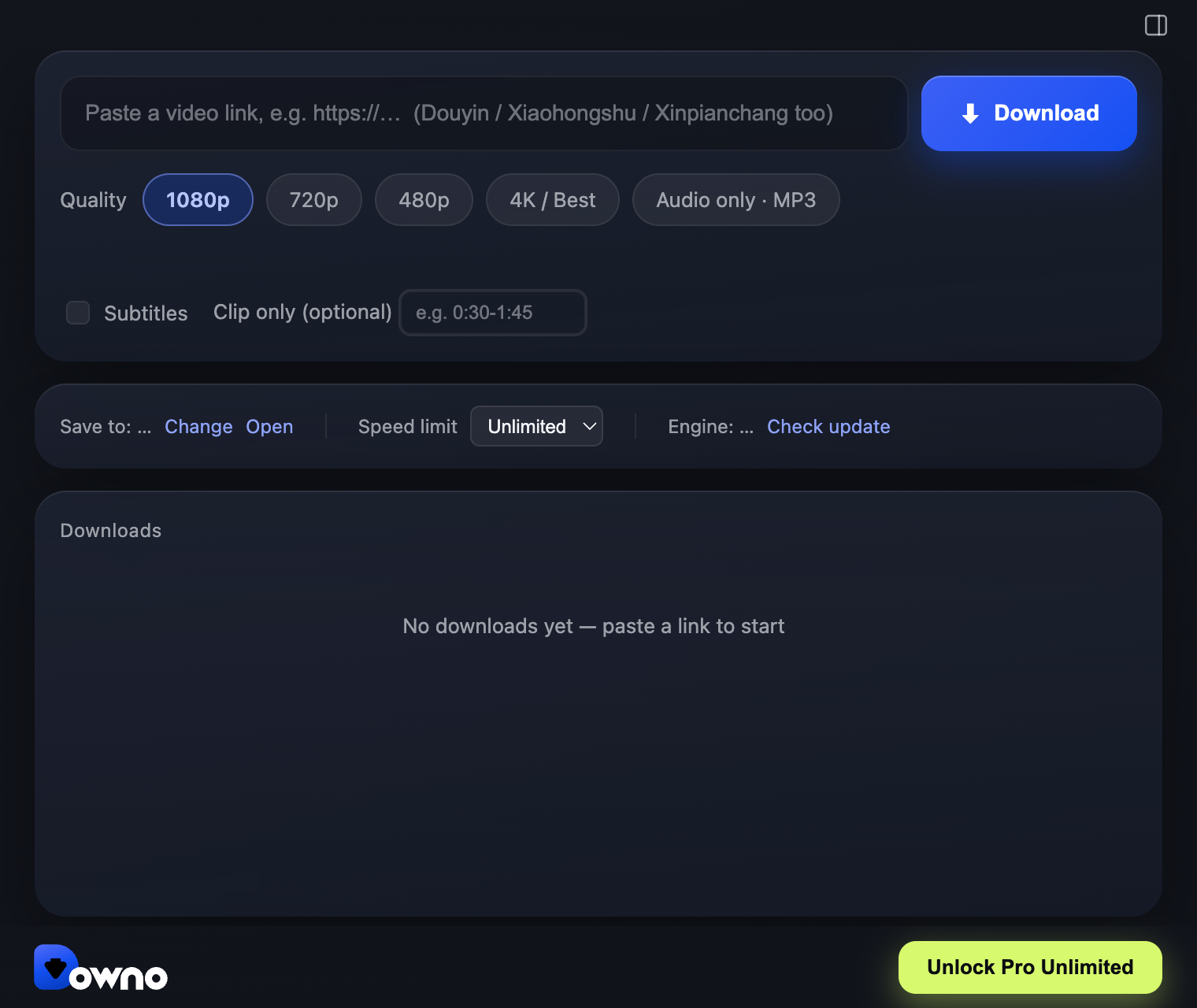
X will not give you a download button. Downo gives you the file, at the best quality the post actually contains.
macOS (Apple Silicon & Intel, notarized by Apple) and Windows 10/11 64-bit · one-time payment, no subscription
What you get
Best available quality
X serves several renditions of the same clip. Downo shows you what exists and lets you take the top one.
GIF-style clips too
The looping videos X displays as GIFs are really MP4s — Downo saves them as playable video files.
Queue a thread
Paste several links at once and let the queue work through them.
No ads, no redirects
A desktop app you install once, not a site covered in pop-unders.
How to download in 3 steps
No account, no upload, no browser extension.
Copy the video link
Open the post in your browser and copy its URL from the address bar or the app’s Share menu.
Paste it into Downo
Downo reads the link and lists the available resolutions. Pick one, or queue up several links and let them run.
Save it
The file lands in your Downloads folder as an MP4 you can play, edit, or move to your phone right away.
Pro Unlimited — unlimited downloads, every resolution up to 4K, audio-only MP3, 2 computers.
Not a subscription. No renewals.
Prefer to try it first? The free version is the full app with a download allowance — download it here.
Frequently asked questions
A link will not parse — can the built-in browser help?
Yes. Open the page in Downo’s built-in browser panel and play it as you normally would; Downo saves the file that page serves. It only ever reaches what is already playable to you, and bypasses nothing.
Does it work with x.com and twitter.com links?
Both. Paste whichever URL you have.
Is Downo free?
Yes — the free version is a real, working app, not a time-limited trial. It gives you 5 downloads at 480p, 2 at 720p and 1 at 1080p. Anything above 1080p (4K included) and audio-only MP3 are part of Pro Unlimited, a $49.90 one-time payment (no subscription, no renewals) that also lifts the download limits. One license covers 2 computers.
Does it support 4K?
Yes. 4K is available in Pro Unlimited. Downo saves in MP4 with H.264 video, so the file plays anywhere and imports straight into any editor without transcoding first.
Is Downo safe?
Downo runs entirely on your own computer — there is no upload step and no account to create. The macOS builds are signed with an Apple Developer ID and notarized by Apple, so they open with a normal double-click. The app makes only three outbound requests: license activation, a version check, and downloading its own engine updates.
Do I need an account or a login?
No. Paste a link and download. You only enter an email if you buy Pro Unlimited, so your license key can be recovered later.
What can I legally download?
Downo is a tool; what you do with it is on you. Save your own uploads, Creative Commons material, and anything you have permission to keep or need for offline viewing. Do not redistribute other people’s copyrighted work.